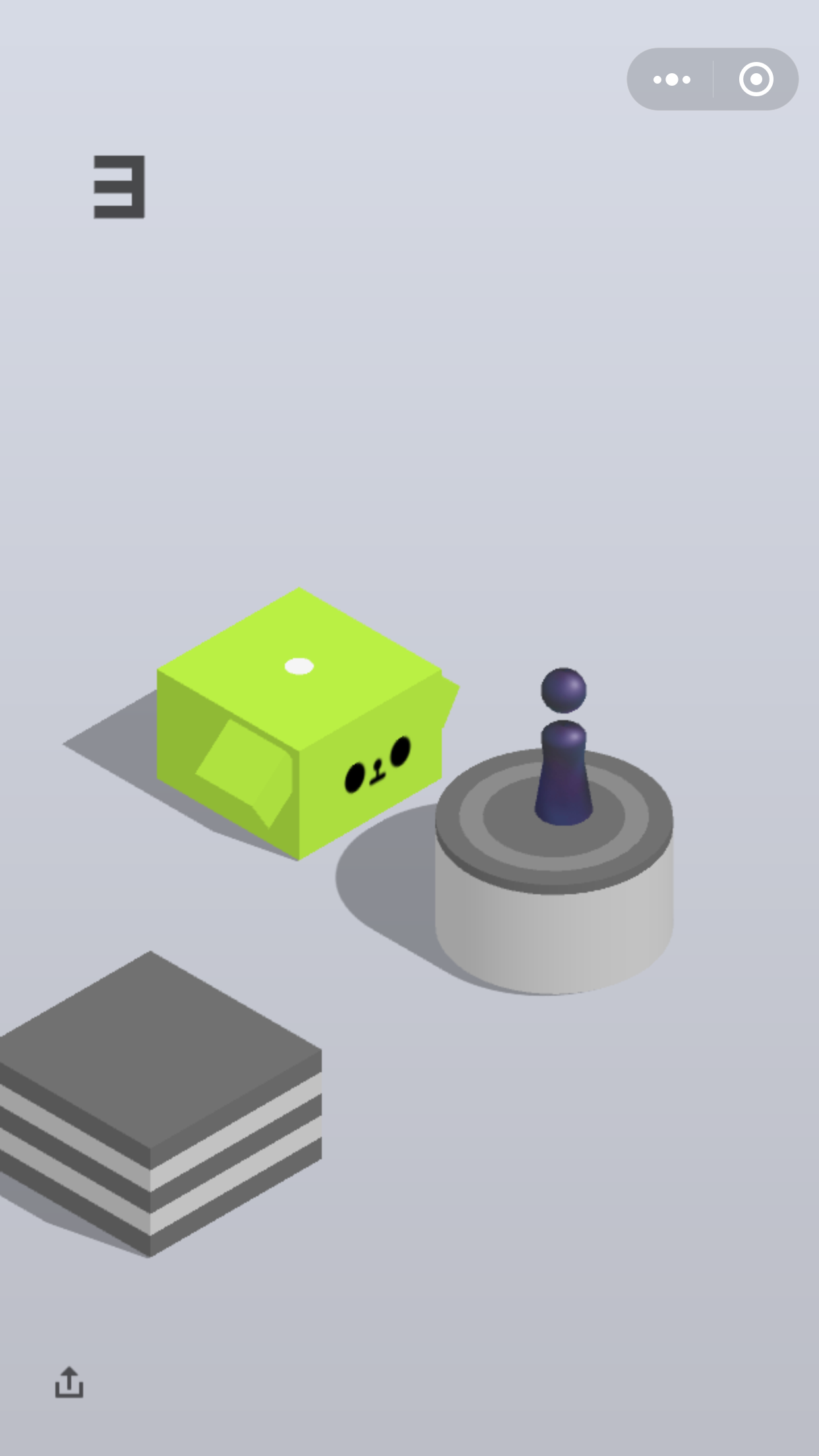
微信跳一跳外挂

微信跳一跳外挂

实现原理

  1. adb截图命令
  2. 接收图片
  3. 找到起点
  4. 找到目标点
  5. 计算距离
  6. 计算按压时间
  7. adb命令输出

    算法详解

    adb命令这里就不赘述了,相关请自行百度。

    起点算法

    获取小人的RGB域
    1
    2
    3
    4
    5
    6
    7
    8
    9
    10
    11
    12
    13
    14
    15
    16
    17
    18
    19
    20
    21
    22
    23
    24
    25
    26
    27
    28
    29
    30
    31
    32
    33
    34
    35
    36
    37
    func getGuyPosition(m image.Image) (x, y float32) {
    maxX := m.Bounds().Max.X
    maxY := m.Bounds().Max.Y
    lenOut, startOut, outJ := 0, 0, 0
    error := float64(1560)
    for j := 600; j < maxY; j = j + 2 {
    //跳动人的RGB
    var zeroPointR, zeroPointG, zeroPointB = uint32(54*256), uint32(52*256), uint32(92*256)
    end, start := 0, 0
    isBackground := true
    for i := 0; i < maxX-1; i++ {
    //当前像素点RGB
    r, g, b, _ := m.At(i, j).RGBA()
    //跳动小人的RGB判断范围误差10个色度
    if abs(r-zeroPointR) < error && abs(g-zeroPointG) < error && abs(b-zeroPointB) < error {
    if !isBackground {
    end = i
    if end-start > lenOut {
    lenOut = end - start
    startOut = start
    outJ = j
    isBackground = true
    break
    }
    }
    } else {
    if isBackground {
    start = i
    isBackground = false
    }
    }
    }
    }
    x = float32(startOut + lenOut/2)
    y = float32(outJ)
    return
    }

终点算法

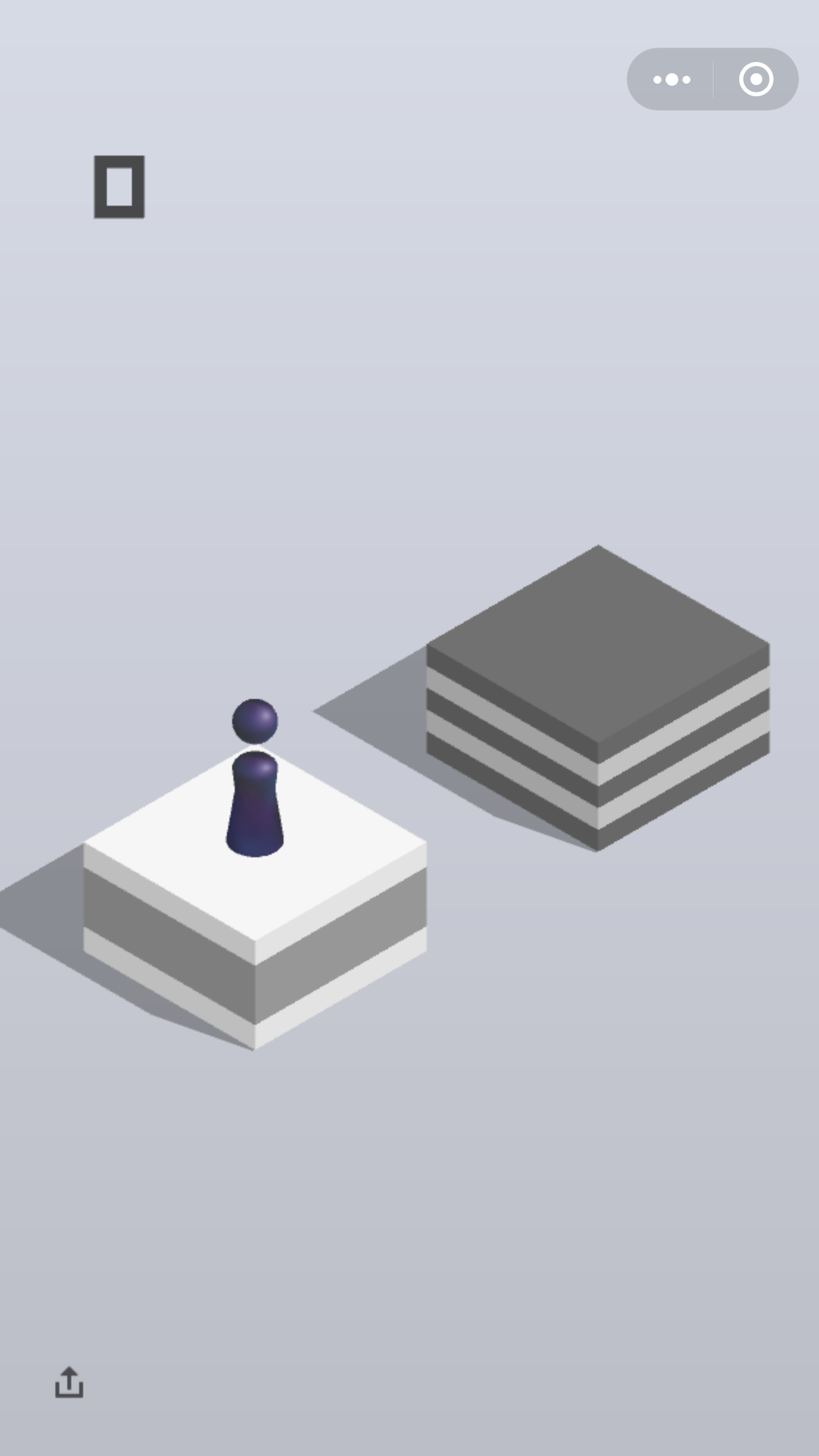
通过大量截图可发先,从上到下终点目标块总是在最上面的,所以把目标可以明确为找出第一块的中心点坐标即为终点坐标

从左到右扫描
image
避开影音干扰,代码实现:

1
2
3
4
5
6
7
8
9
10
11
12
13
14
15
16
17
18
19
20
21
22
23
24
25
26
27
28
29
30
31
32
33
34
35
36
37
38
func getCenterPointLeft(m image.Image) (x, y float32) {
maxX := m.Bounds().Max.X
maxY := m.Bounds().Max.Y
len := 0
LOOP:
for j := 600; j < maxY; j = j + 2 {
//背景色RGB
zeroPointR, zeroPointG, zeroPointB, _ := m.At(maxX-3, j).RGBA()
start, end := 0, 0
isBackground := true
for i := 0; i < maxX-1; i++ {
//当前像素点RGB
r, g, b, _ := m.At(i, j).RGBA()
if r == zeroPointR && g == zeroPointG && b == zeroPointB {
if !isBackground {
end = i
if end > len {
len = end
isBackground = true
break
} else {
x = float32((end-start)/2 + start)
y = float32(j)
if x > 200 {
break LOOP
}
}
}
} else {
if isBackground {
start = i
isBackground = false
}
}
}
}
return
}

从右到左扫描

image
规避小人干扰,代码实现:

1
2
3
4
5
6
7
8
9
10
11
12
13
14
15
16
17
18
19
20
21
22
23
24
25
26
27
28
29
func getCenterPointRight(m image.Image) (x, y float32) {
// and preserve aspect ratio
maxX := m.Bounds().Max.X
maxY := m.Bounds().Max.Y
LOOP:
for j := 600; j < maxY; j++ {
//背景色RGB
zeroPointR, zeroPointG, zeroPointB, _ := m.At(maxX-3, j).RGBA()
start := 0
isBackground := true
for i := maxX - 1; i > 1; i-- {
r, g, b, _ := m.At(i, j).RGBA()
if r == zeroPointR && g == zeroPointG && b == zeroPointB {
continue
} else {
if isBackground {
start = i
isBackground = false
}
if i <= start {
x = float32(start)
y = float32(j)
break LOOP
}
}
}
}
return
}

干扰规避